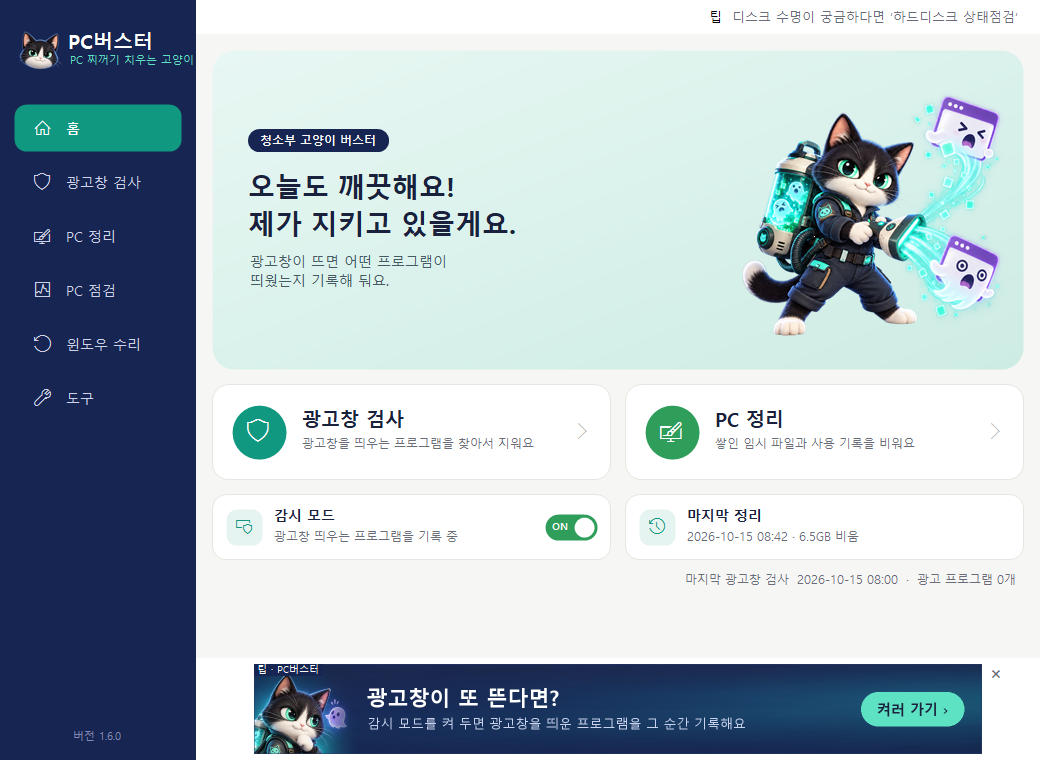
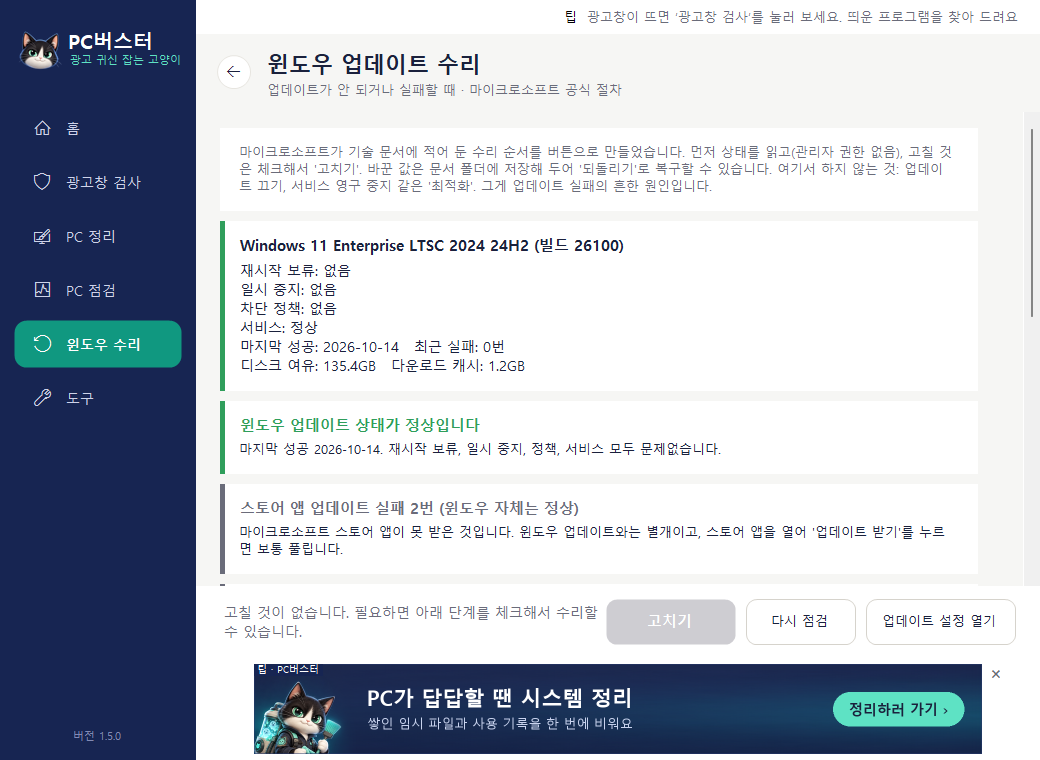
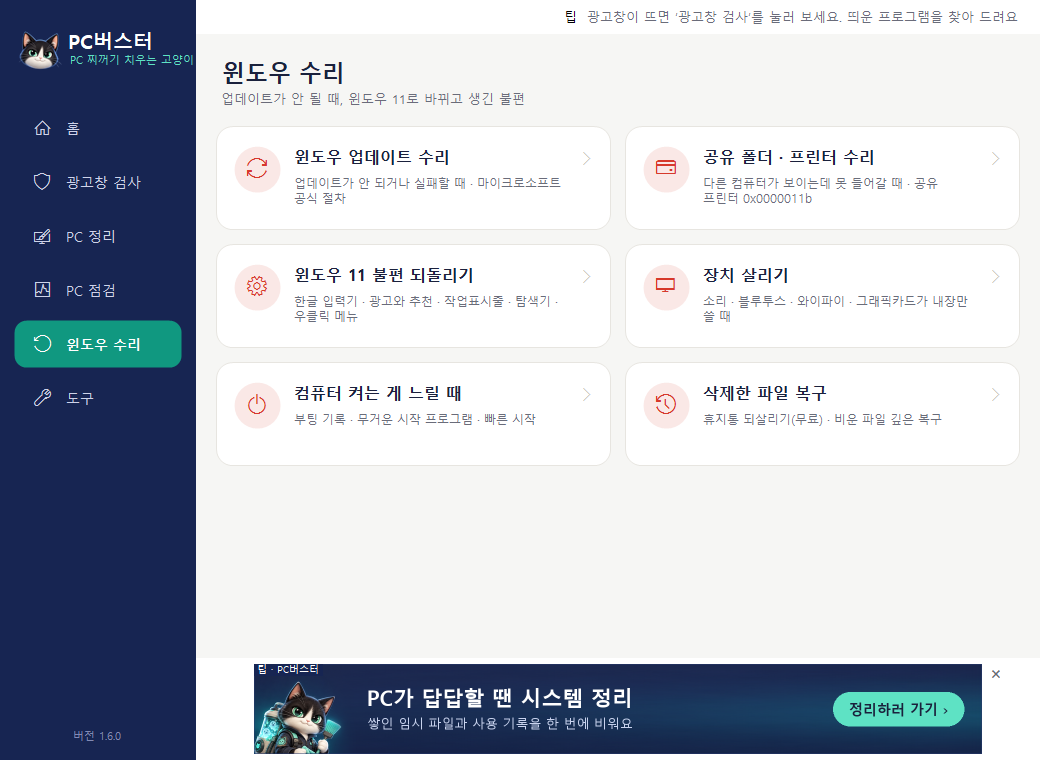
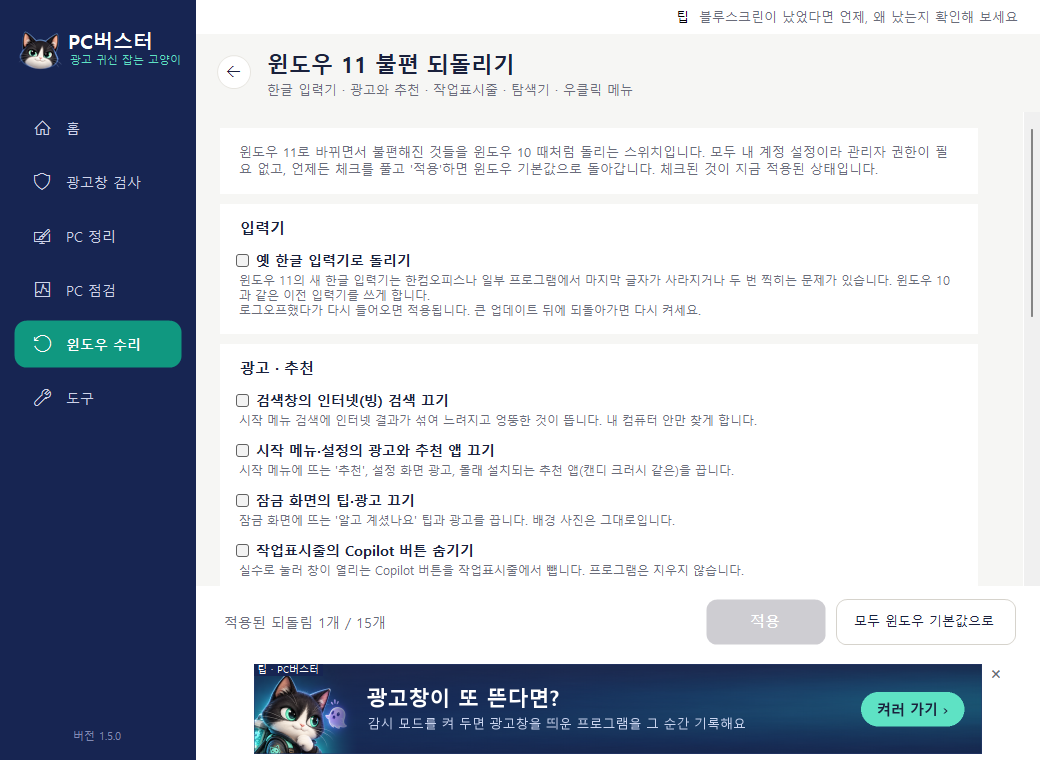
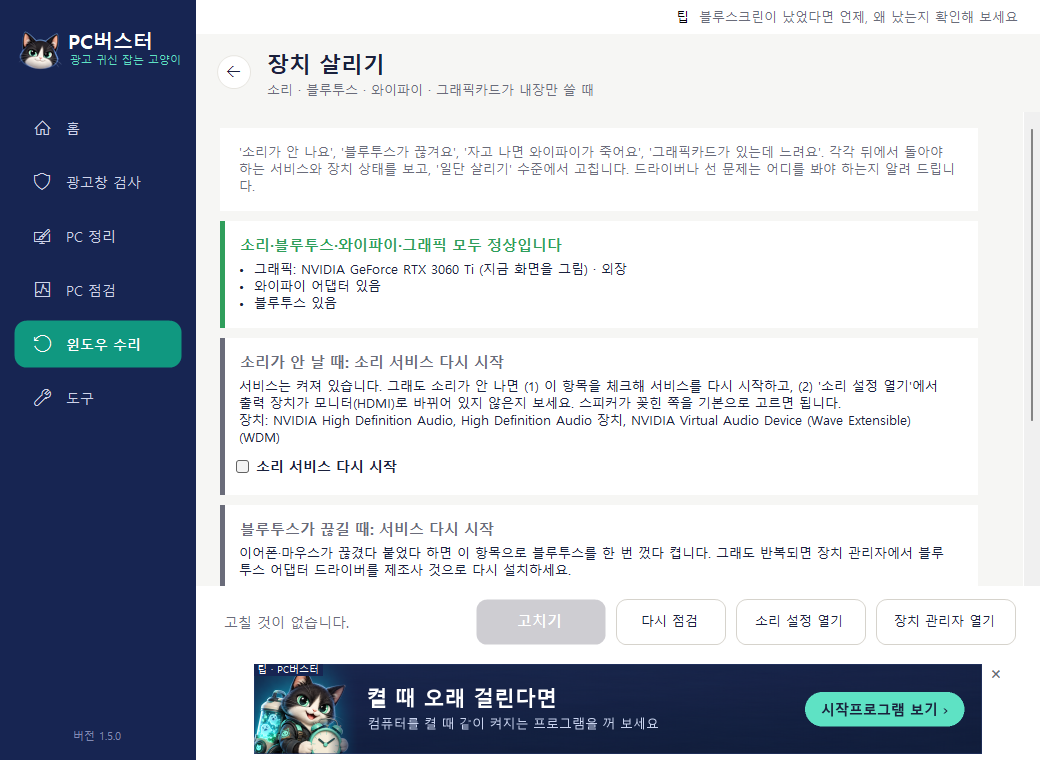
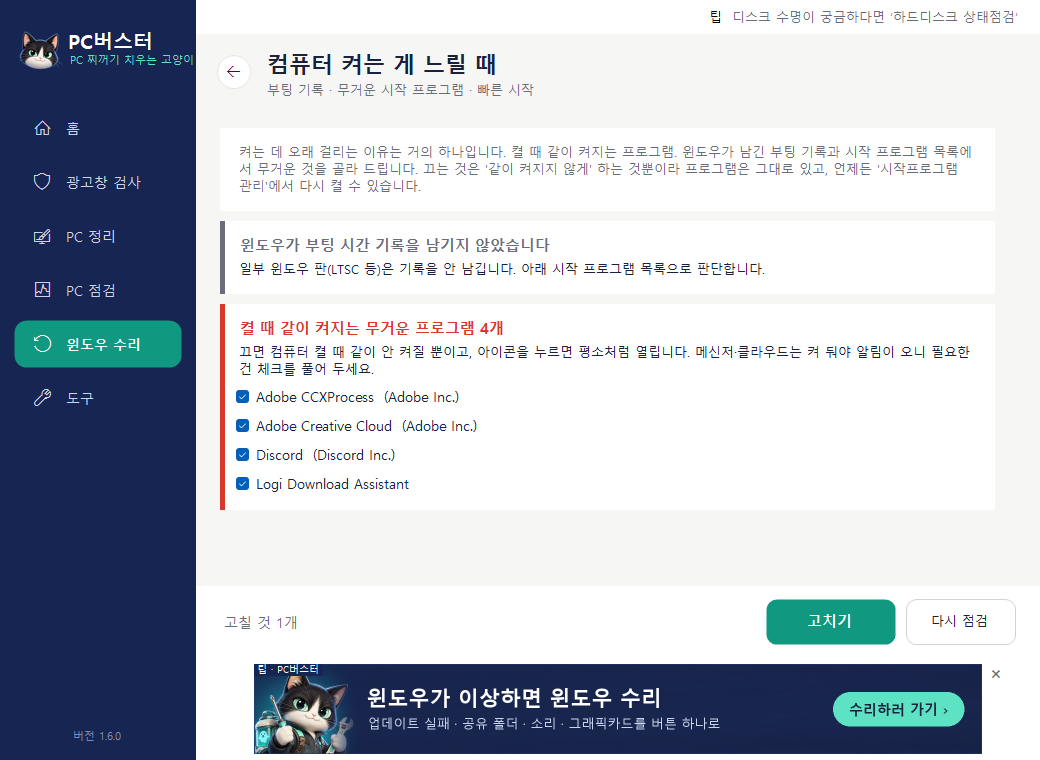
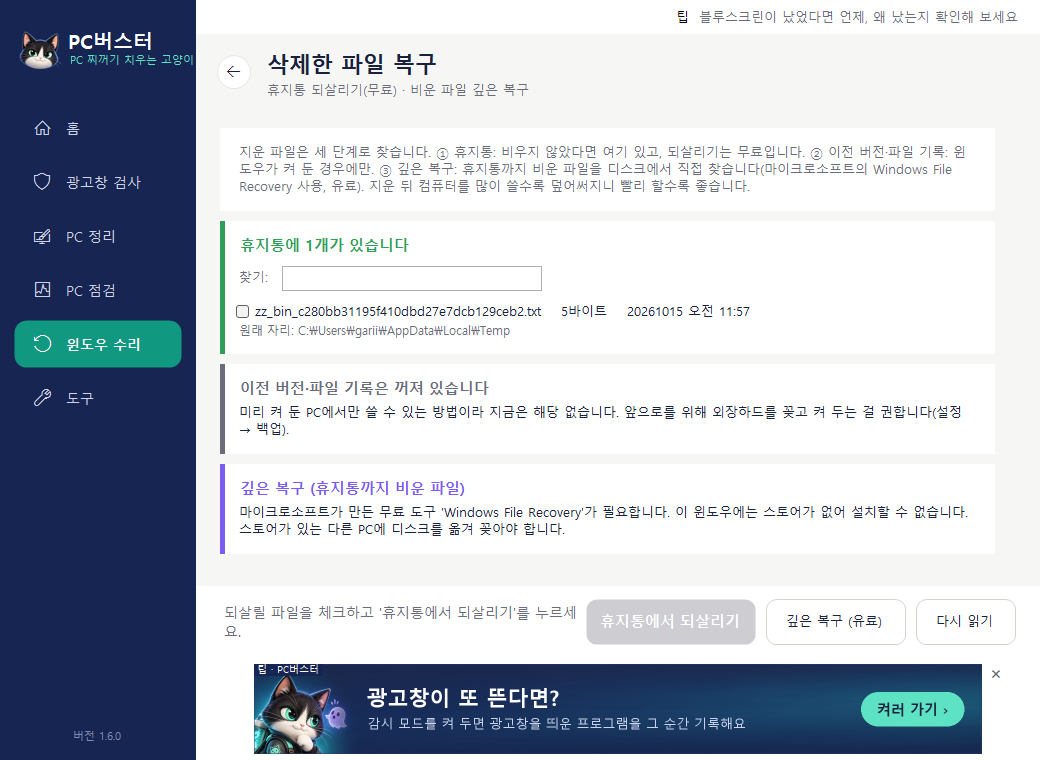
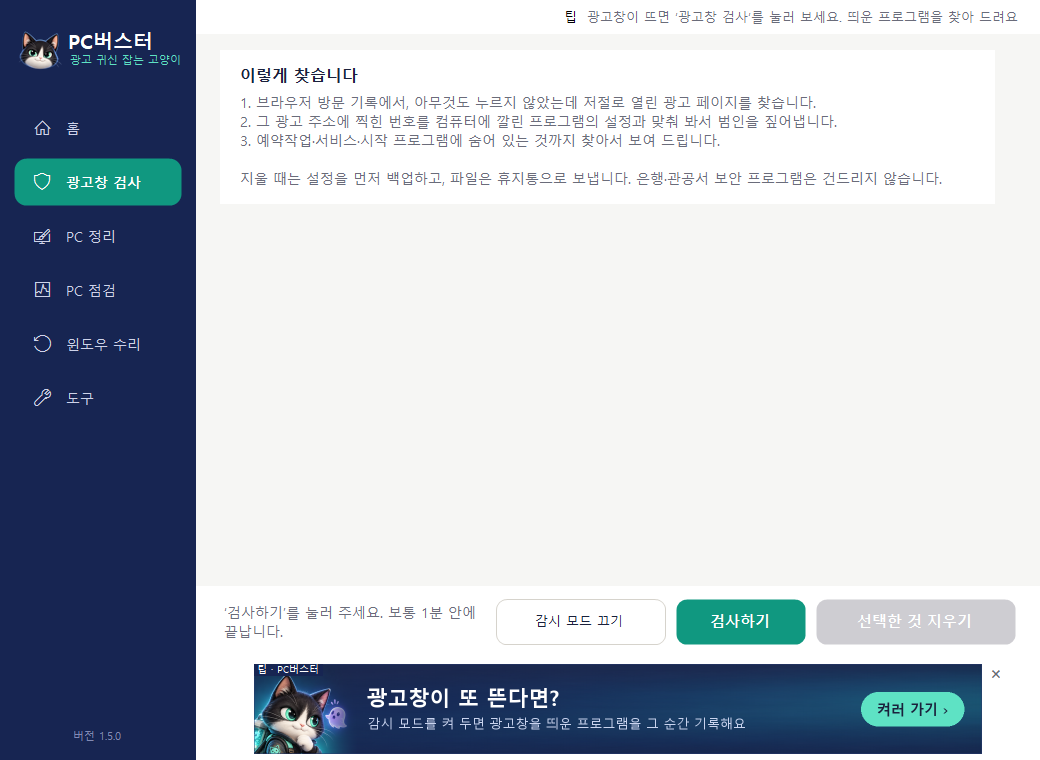
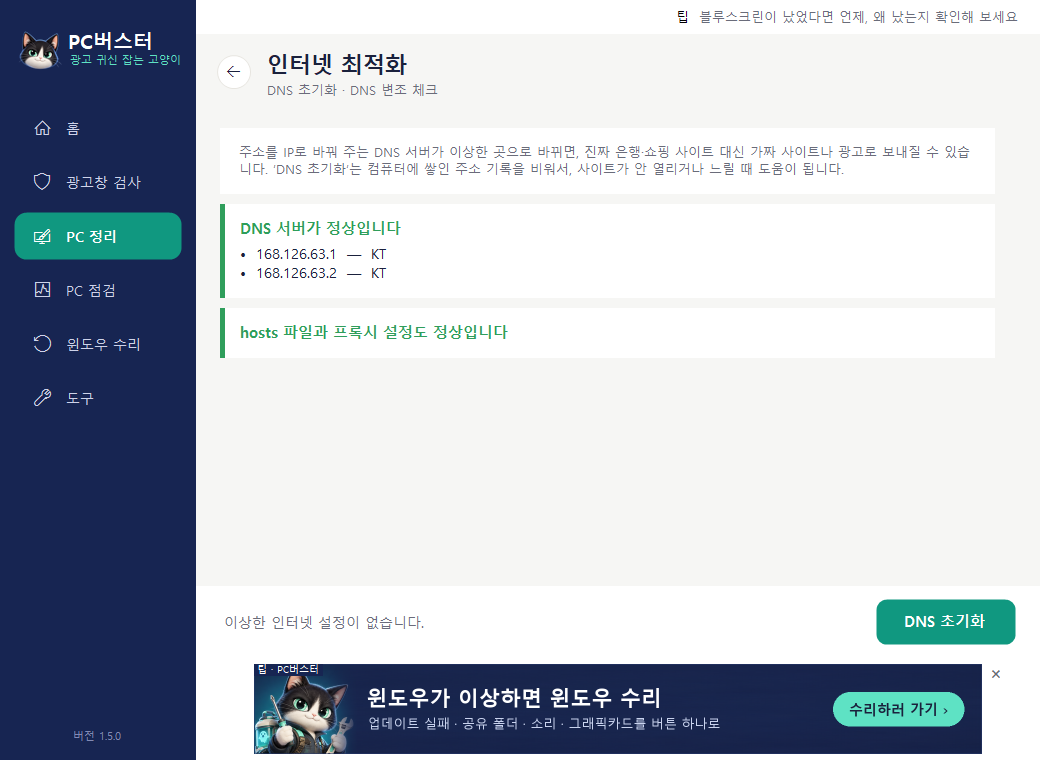
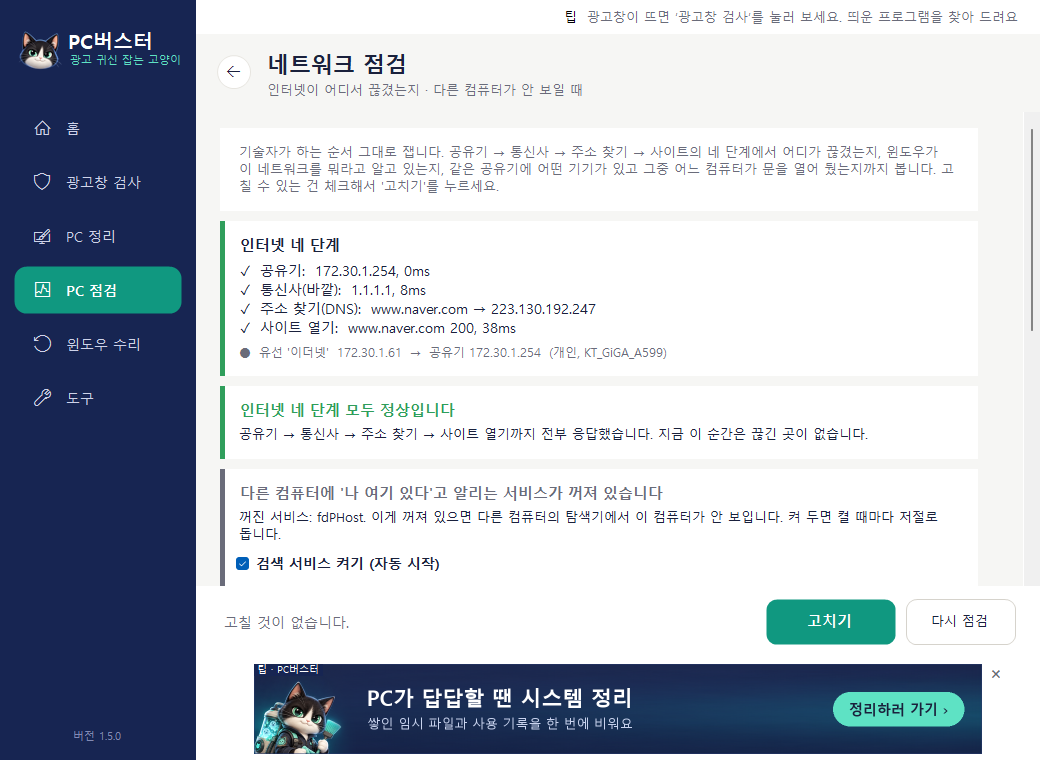
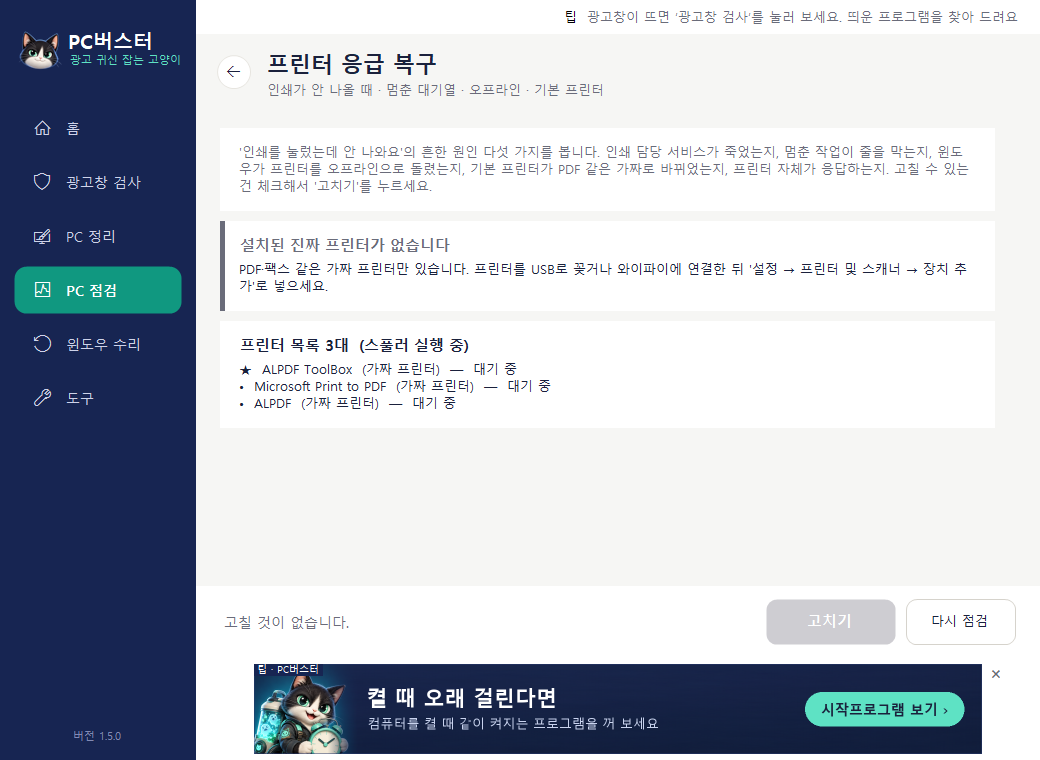
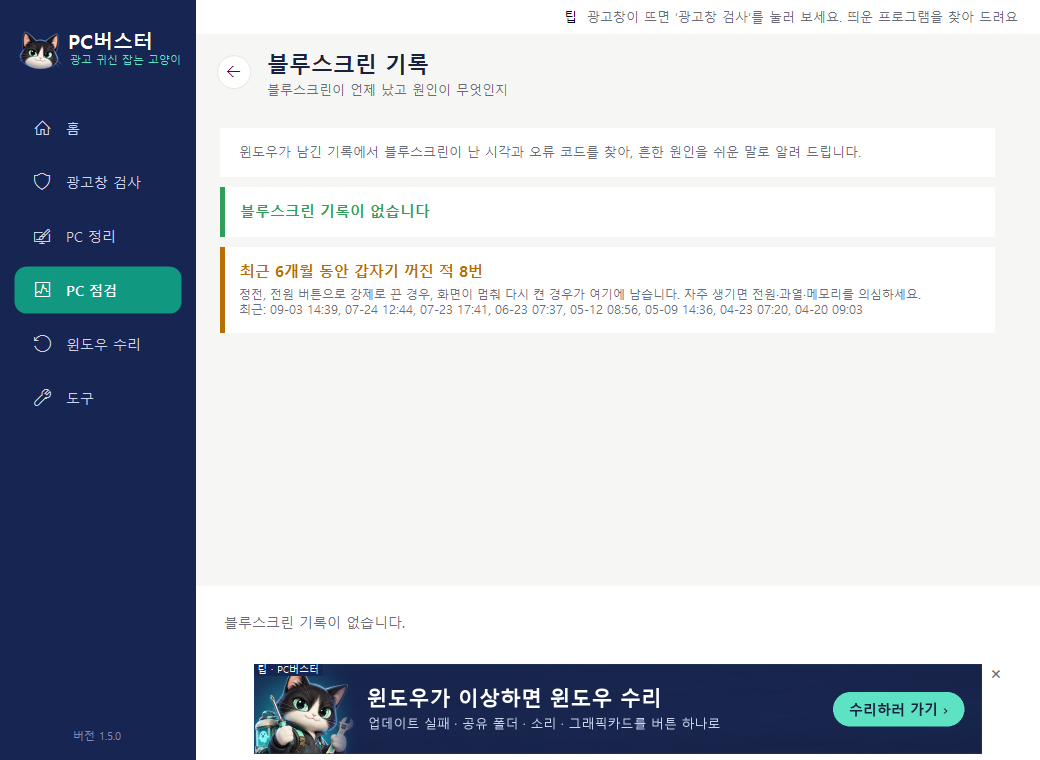
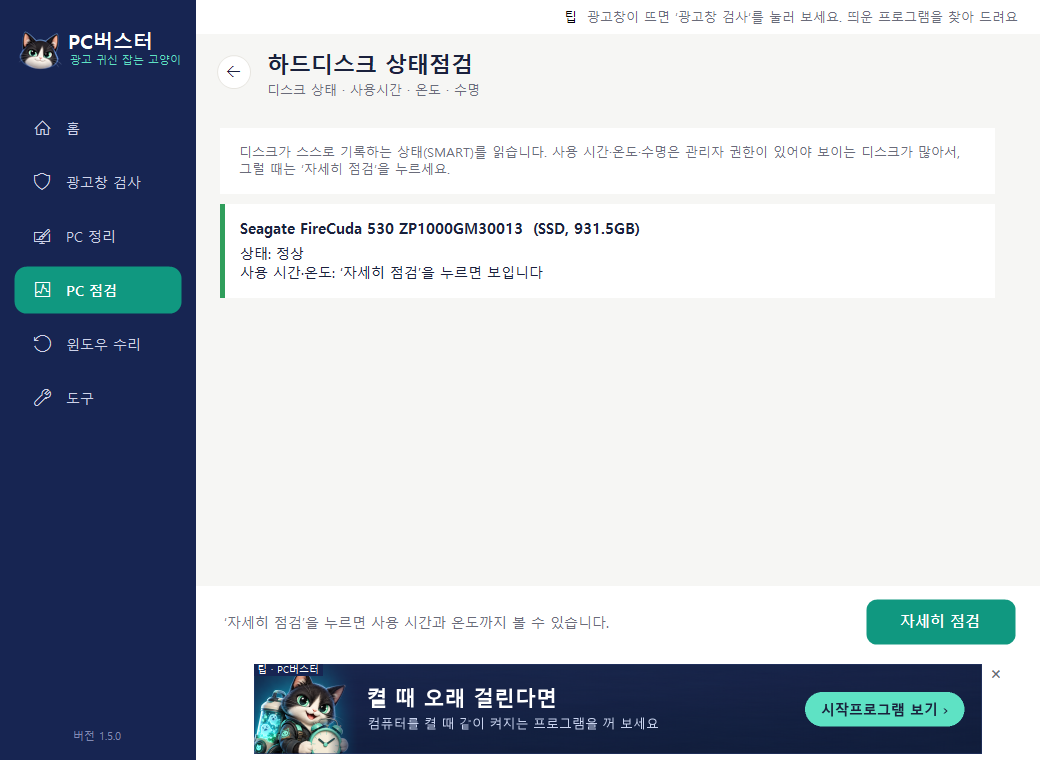
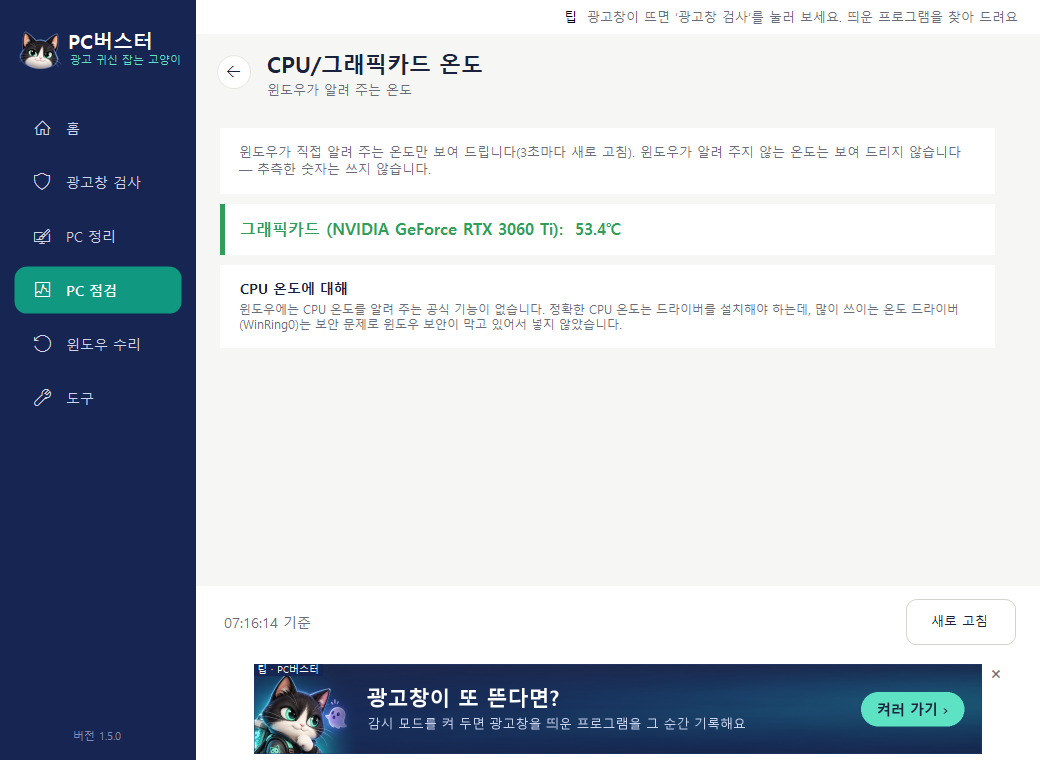
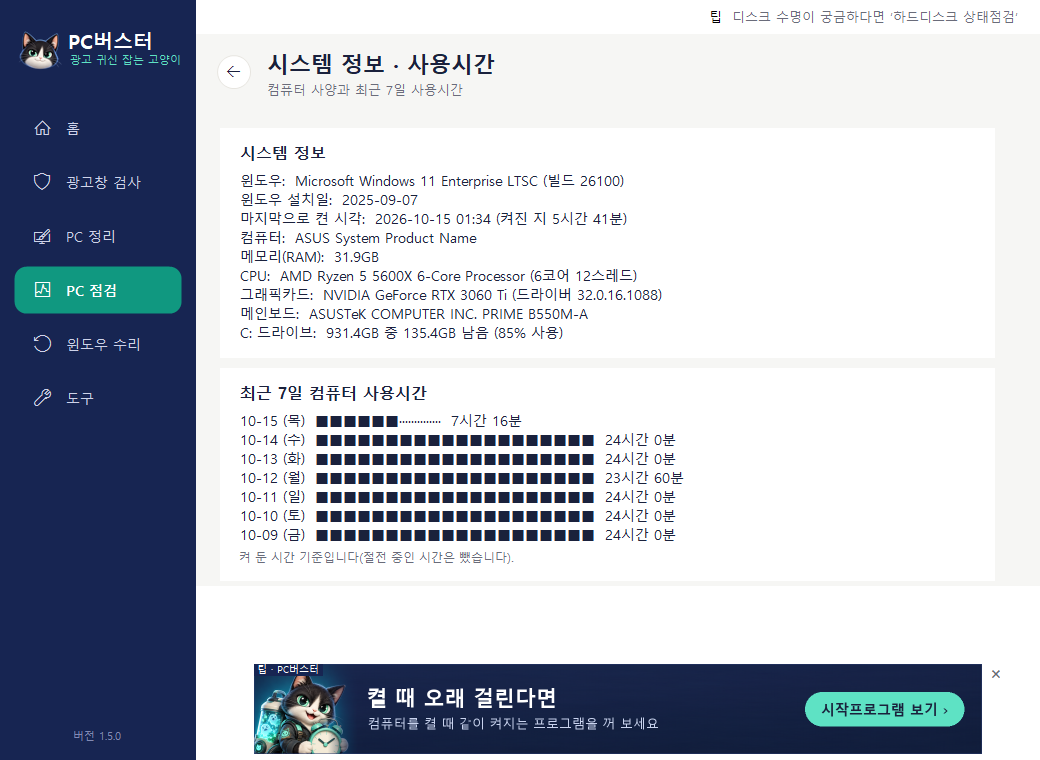
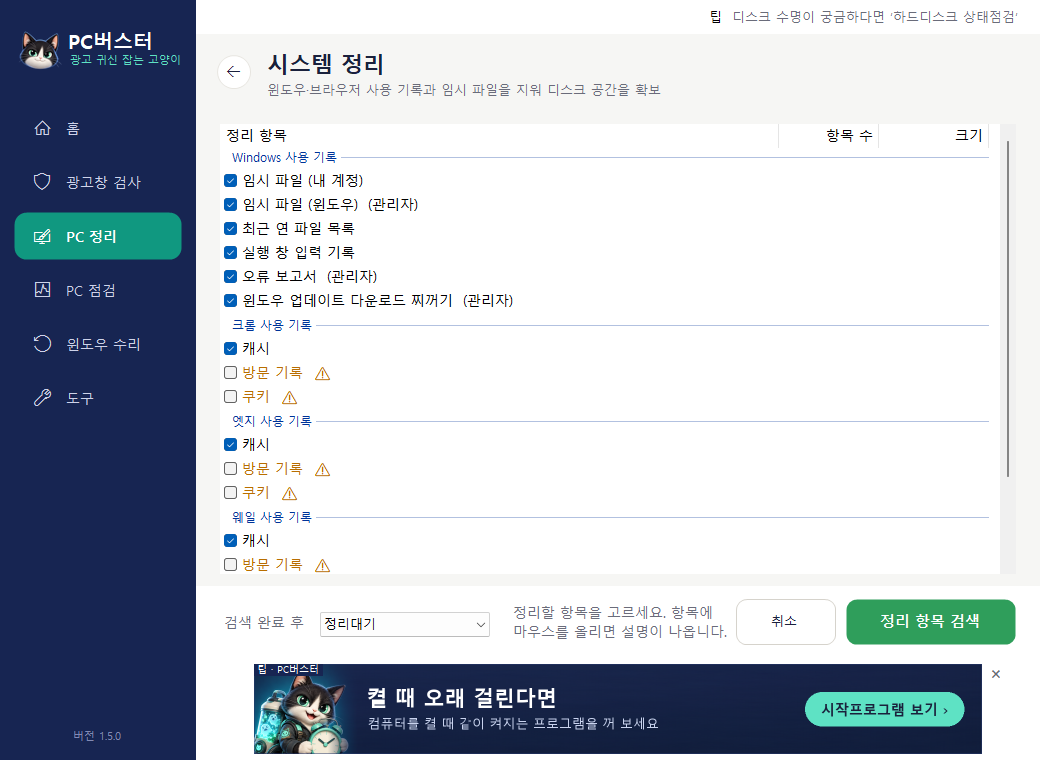
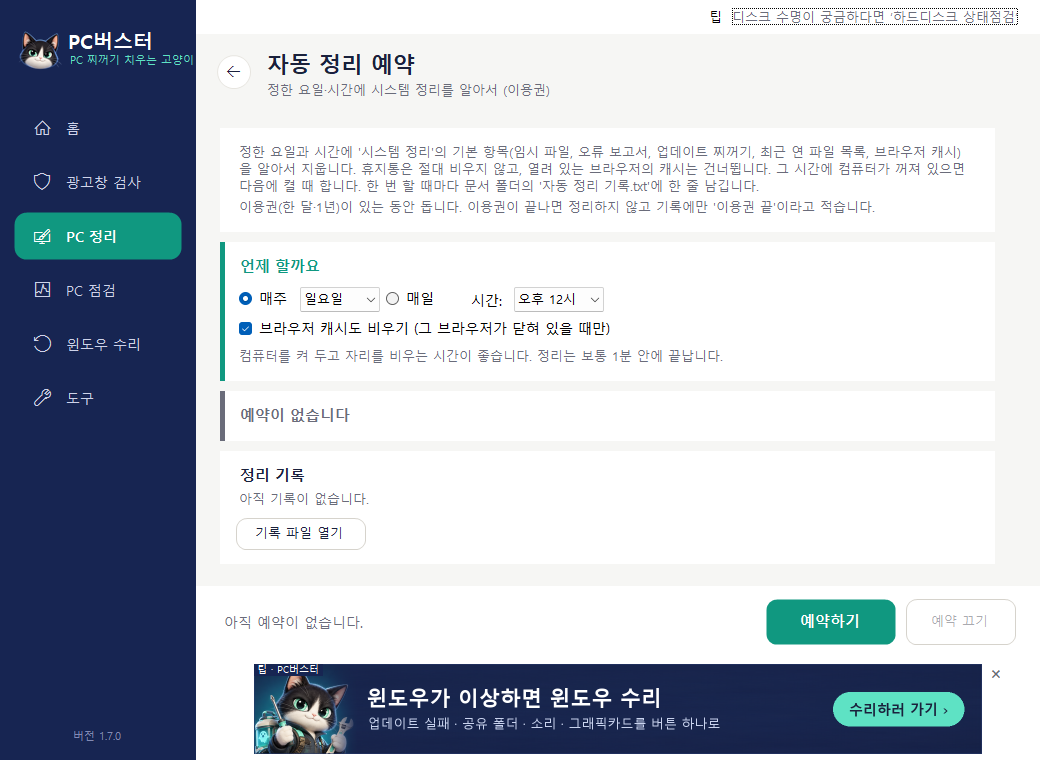
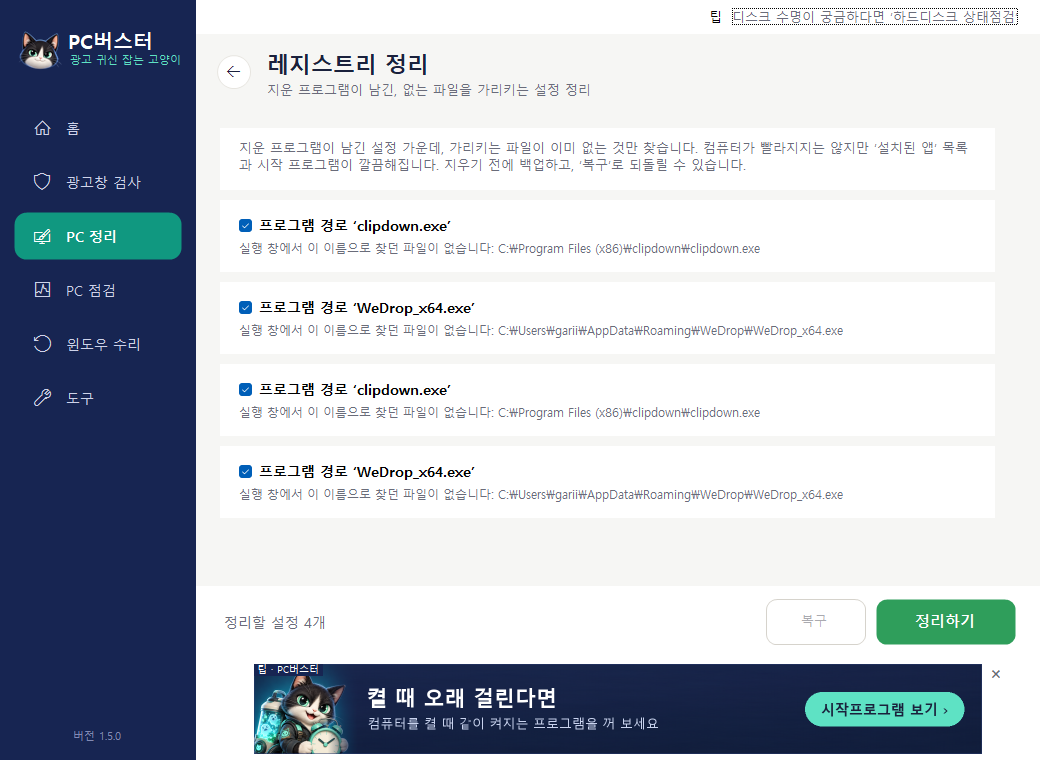
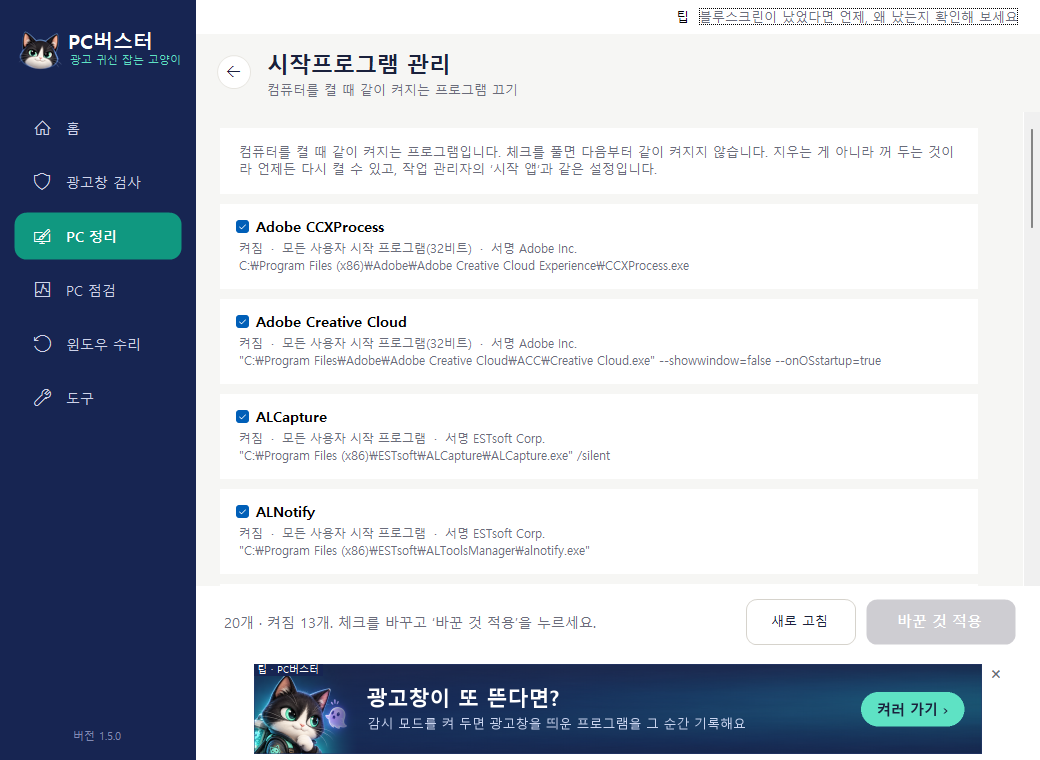
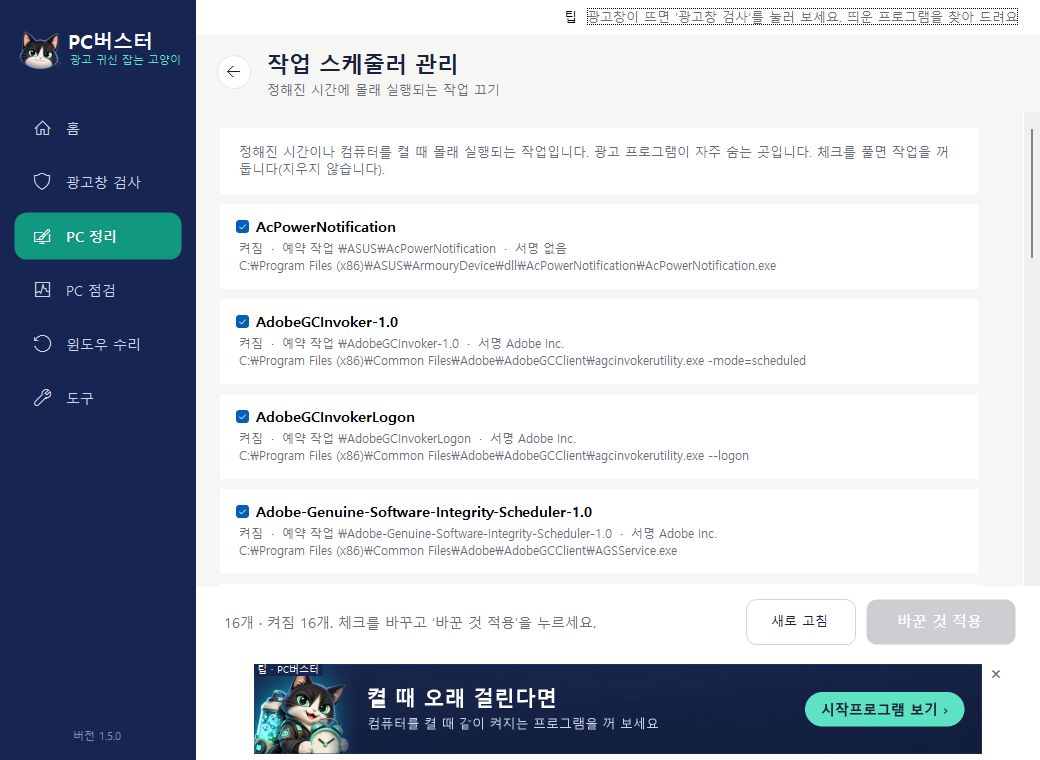
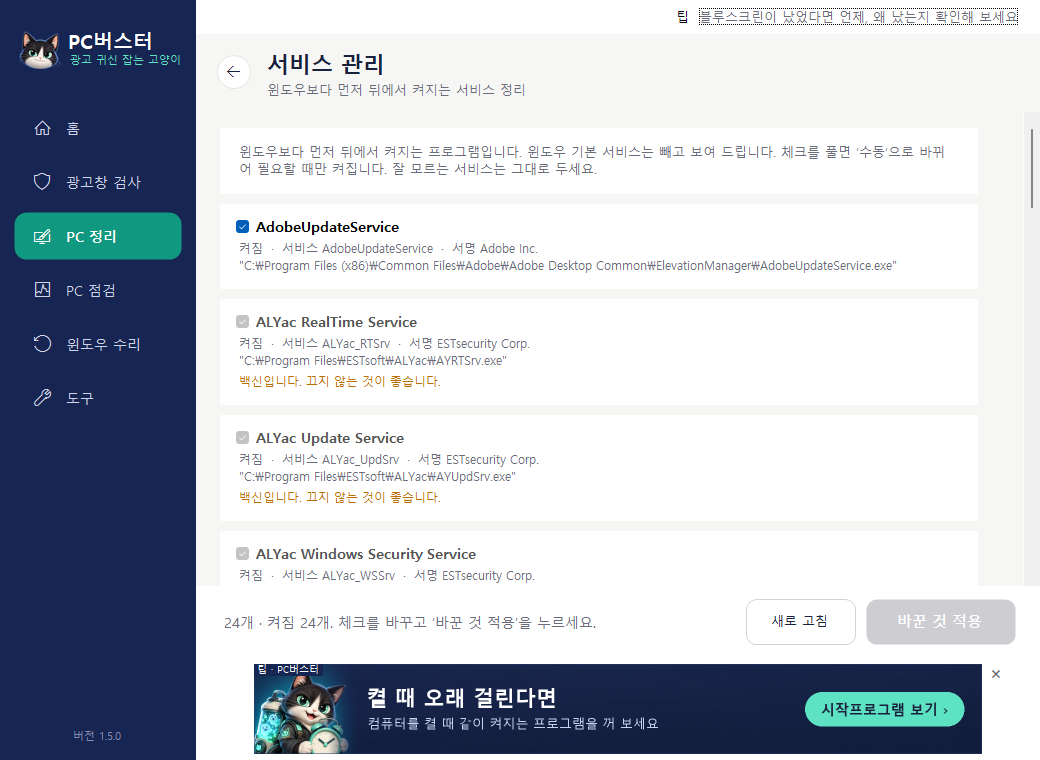
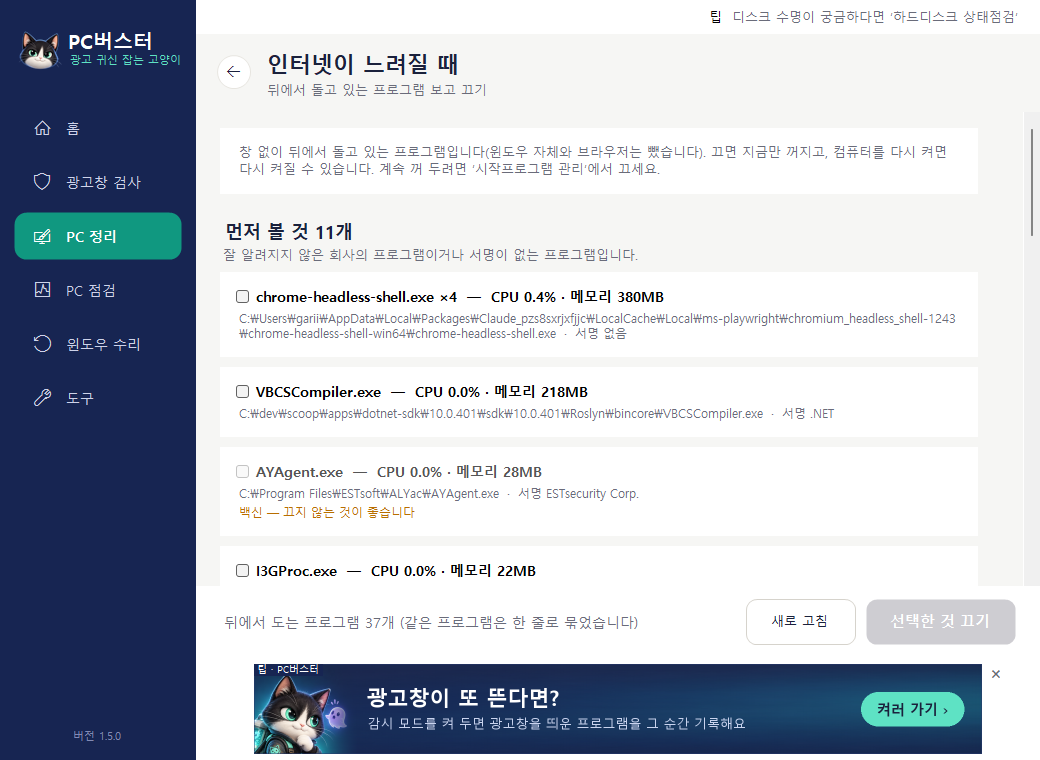
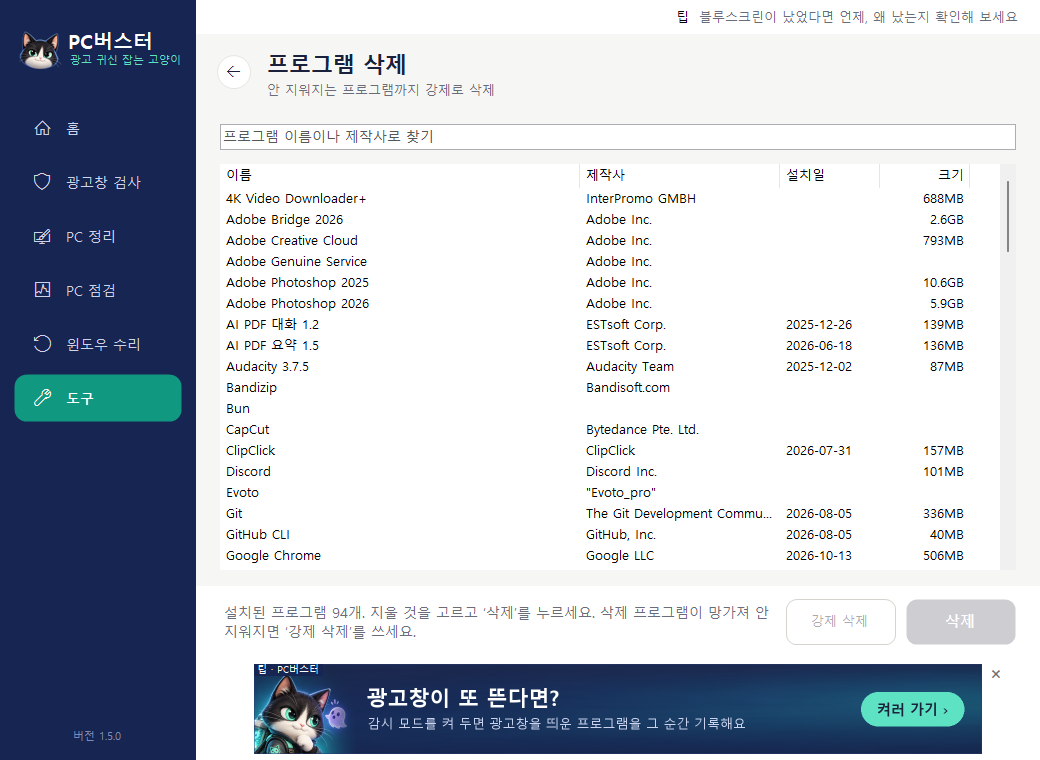
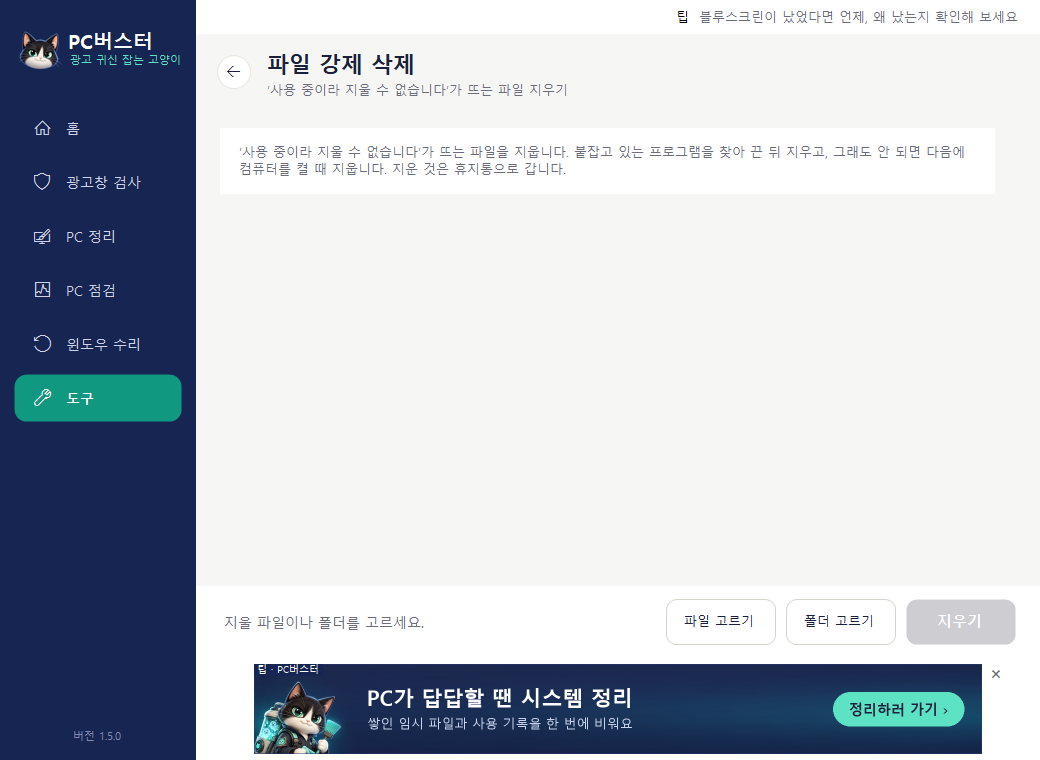
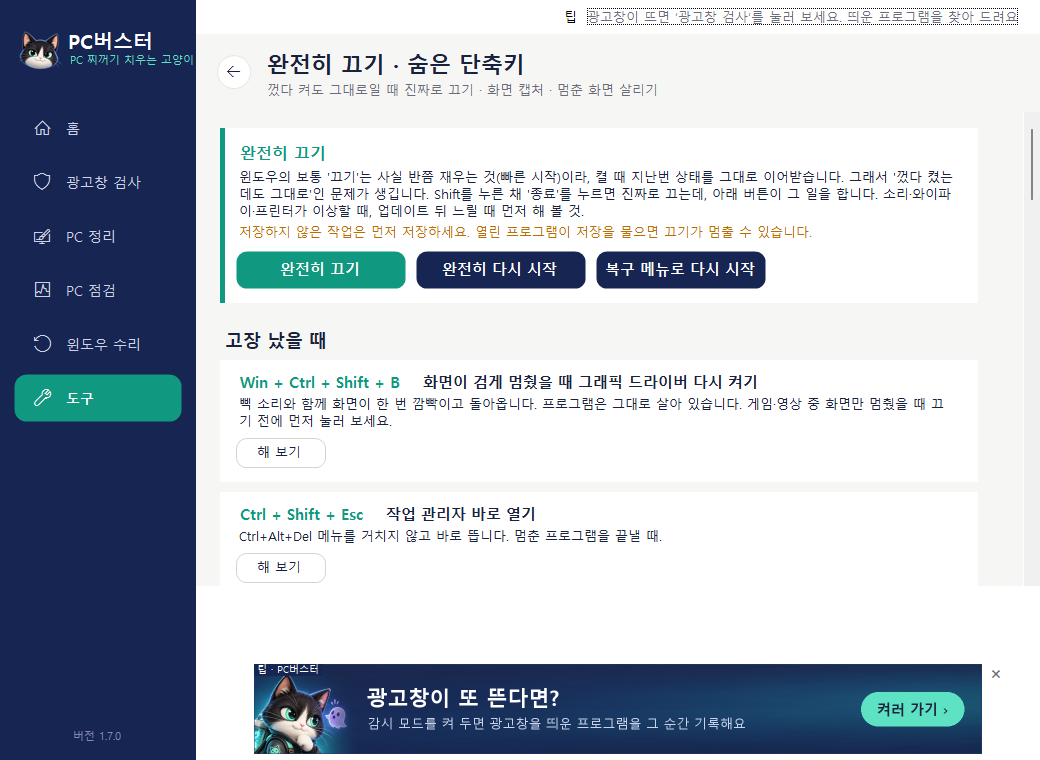
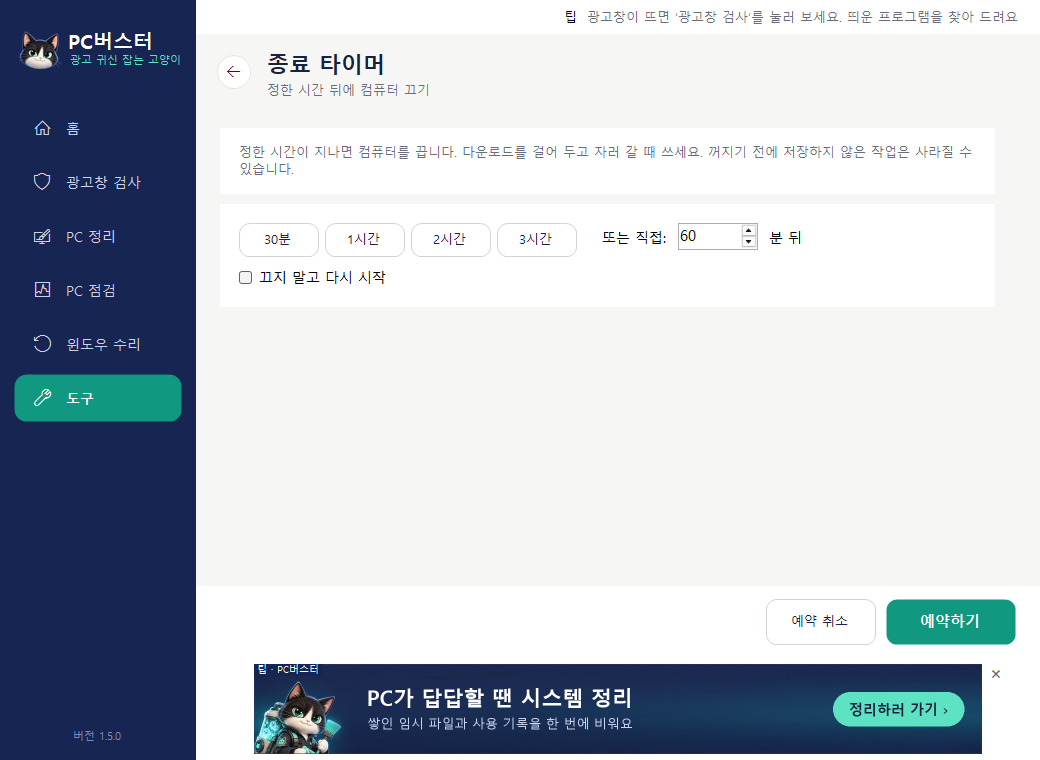
 PC Buster
Takes about a minute
- Click Download above to get PCBuster-1.9.0.exe. If Chrome says the file "isn't commonly downloaded", click Keep.
- Run the file. If a blue "Windows protected your PC" box appears, click More info → Run anyway. It appears because we haven't bought a code-signing certificate yet; it isn't a virus.
- A consent screen appears. It states that ads appear inside the window, what the program does, where it installs, and how to uninstall. Read it, tick the box, then click Agree and start.
- It installs into your user folder (AppData\Local\Programs\PC버스터 - the folder keeps the Korean product name) and adds icons to the Start menu and desktop. Nothing else needs to be installed.
Works on 64-bit Windows 10 and 11. Windows 7, 8 and 32-bit versions are not supported.